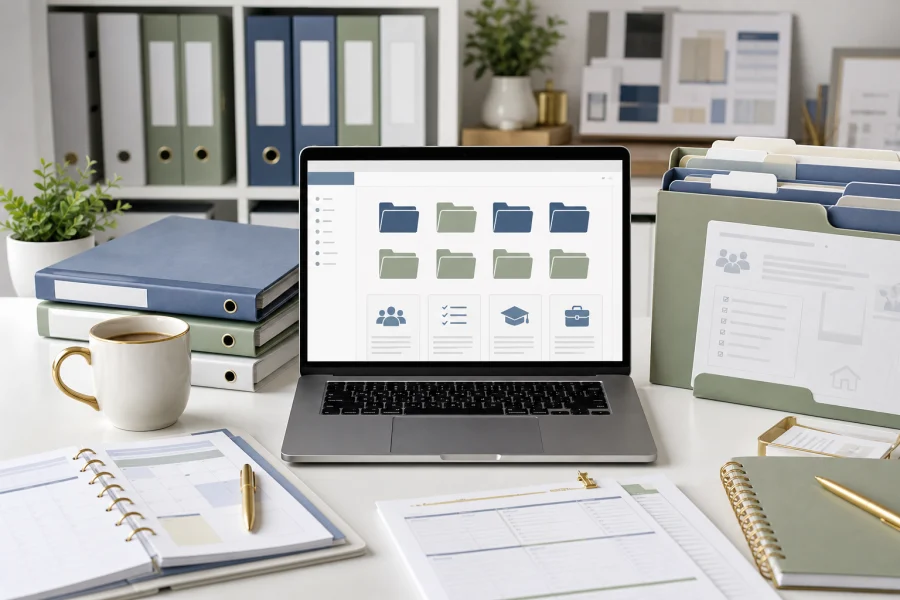
Every project becomes easier when you do not have to rebuild the setup. Whether you are planning a family routine, preparing a teaching unit, or launching a business offer, a repeatable resource system gives you a reliable starting point. It collects the templates, assets, examples, checklists, and AI prompts you already trust.
Start with project types
Organize resources by the kind of work they support. A folder called Templates is less useful than folders such as Family Planners, Classroom Activities, Product Launches, Client Documents, Image Assets, and AI Prompt Frameworks. Project-based categories help you find resources when you are under time pressure.
Inside each category, keep only resources that are genuinely reusable. A system becomes harder to use when it stores every download without review. Choose assets that have clear quality, usable file formats, and a license that fits your needs.
Create a simple naming habit
File names should tell you what the resource is, who it is for, and whether it is a source file or final version. For example, a name like “family-weekly-meal-planner-editable” is more useful than “download-42.” Clear names reduce searching and make it easier to reuse the same asset months later.
- Keep source files separate from exported files.
- Save license notes near purchased assets.
- Store AI prompts with the output they helped create.
- Archive outdated versions instead of mixing them with active files.
- Review the library monthly and remove clutter.
Build a starting checklist
For each new project, use a short checklist: choose a template, gather the required assets, draft or outline with AI if helpful, customize for the audience, review the license, export the final file, and save the finished version back into the system.
This approach turns your resource library into a workflow. It helps every new project begin with clarity instead of friction, and it keeps your best materials working for you again and again.

Discussion
Comments