Website
Create a clean QR-coded Wi‑Fi card in minutes
A free, practical tool for hosts, offices, rentals, and customer-facing spaces that want easier guest access.
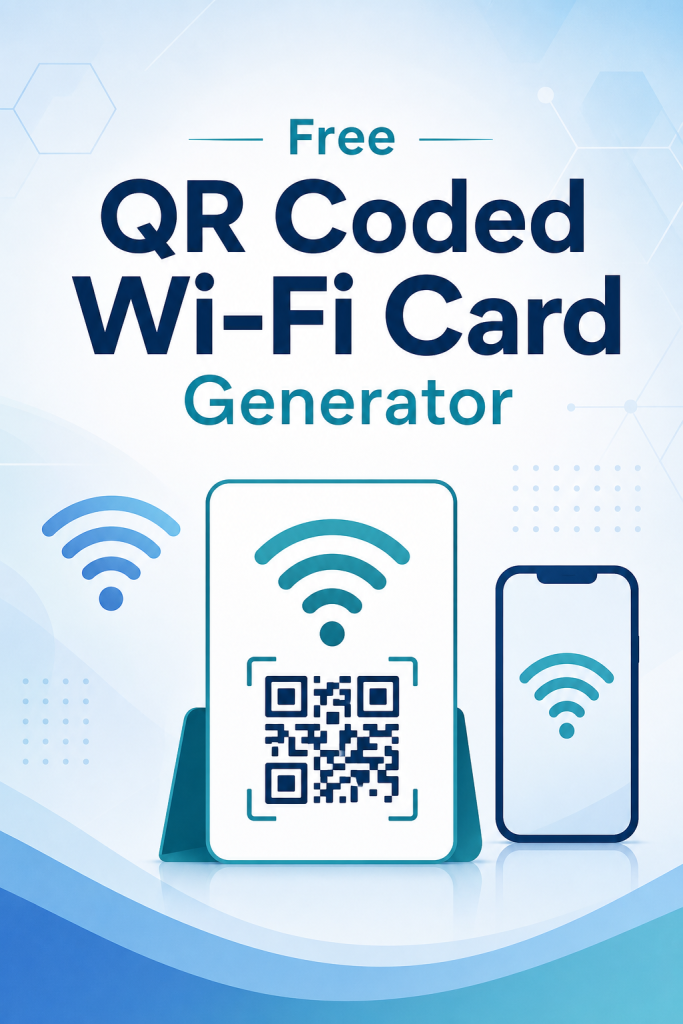
Free QR Coded Wi-Fi Card Generator is a simple utility for turning Wi‑Fi details into a clean, guest-friendly card with a QR code. It is designed for people who want to share network access quickly without handwriting passwords, retyping instructions, or repeatedly answering the same connection question. The value is in speed and simplicity. You can use it when you are welcoming guests, setting up a front desk, preparing a short-term rental, refreshing a customer area, or building a more professional experience in a home or office. Instead of relying on memory or loose notes, you get a format that can be printed, displayed, or kept handy for easy access. This kind of tool is especially useful in spaces where first impressions matter. A Wi‑Fi card can make a home feel more prepared, a rental feel more polished, and a business feel more organized. It also helps reduce friction for the people trying to connect, since the QR code supports a faster, more modern way to access the network. Because this is presented as a free web tool, it fits users who want a no-cost, low-commitment solution. There is no need for advanced design software or a complicated setup process. The focus is simply on giving you a fast way to create a better Wi‑Fi sharing experience for visitors and customers.
About This Resource
See What This Learning Resource Includes
Free QR Coded Wi-Fi Card Generator is a simple utility for turning Wi‑Fi details into a clean, guest-friendly card with a QR code. It is designed for people who want to share network access quickly without handwriting passwords, retyping instructions, or repeatedly answering the same connection question.
The value is in speed and simplicity. You can use it when you are welcoming guests, setting up a front desk, preparing a short-term rental, refreshing a customer area, or building a more professional experience in a home or office. Instead of relying on memory or loose notes, you get a format that can be printed, displayed, or kept handy for easy access.
This kind of tool is especially useful in spaces where first impressions matter. A Wi‑Fi card can make a home feel more prepared, a rental feel more polished, and a business feel more organized. It also helps reduce friction for the people trying to connect, since the QR code supports a faster, more modern way to access the network.
Because this is presented as a free web tool, it fits users who want a no-cost, low-commitment solution. There is no need for advanced design software or a complicated setup process. The focus is simply on giving you a fast way to create a better Wi‑Fi sharing experience for visitors and customers.
Thoughtful Highlights
Why This Resource May Fit Your Learning Goals
Create a QR-coded Wi‑Fi card without needing design software or complex setup steps.
Help guests connect faster by scanning instead of manually typing a password.
Use it for homes, offices, rentals, salons, cafés, events, or reception areas.
Present Wi‑Fi details in a cleaner, more professional format than handwritten notes.
Reduce repeated questions about network names and access instructions.
Support both printable and display-ready guest connection workflows.
Improve the welcome experience for visitors, customers, or tenants.
Keep Wi‑Fi access information organized in one easy-to-use card format.
Use a free tool that prioritizes convenience and practicality.
Refresh your guest-facing materials with a simple, modern connection aid.
Helpful Details
Know Before You Visit the Source
What does this tool help me create?
It helps you create a QR-coded Wi‑Fi card that can be used to share network access in a cleaner, more guest-friendly way. The title suggests a generator focused on practical Wi‑Fi connection cards rather than a broader design suite, so the core use is quick sharing and easy access.
Who is this best for?
It is best for people who regularly share Wi‑Fi with guests, clients, visitors, or tenants. That includes home hosts, offices, rentals, cafés, salons, event organizers, and front-desk teams. Anyone who wants a simple, organized way to present Wi‑Fi details can benefit.
Is this useful for businesses as well as homes?
Yes. A QR-coded Wi‑Fi card can help both personal and business spaces. In a home, it reduces repeated password questions. In a business, it supports a more polished customer experience and helps staff share network access consistently.
Do I need design experience to use it?
No design experience is implied by the title. A generator like this is typically intended to make the process quick and straightforward, so it is a good fit for users who want a utility that saves time and avoids layout work.
Can it help make guest areas look more professional?
Yes. A clean Wi‑Fi card can make a space feel more organized and welcoming. It gives you a simple way to present connection details instead of using handwritten notes or informal instructions, which can improve the overall guest experience.
Is this a printable resource?
The product title suggests a card format, which commonly means the output can be used in print or display workflows. Since no file details were provided, it is safest to describe it as a Wi‑Fi card generator that can support printable use rather than claiming specific file types.
What problem does it solve?
It solves the small but common problem of sharing Wi‑Fi access quickly and clearly. Instead of repeating a password or relying on messy notes, you can provide guests with a simple card that is easier to read and scan.
Why would someone choose a QR-coded Wi‑Fi card over a normal note?
A QR-coded card is faster to use and easier to present professionally. It reduces manual typing, improves clarity, and can make guest access feel more modern and convenient. That is especially useful in settings where many people need the same connection details.
Keep Exploring
More Playful Learning Resources
Free Business Date Calculator
Free Business Date Calculator is a practical utility for anyone who needs to work with business dates, deadlines, or timeline checkpoints. Instead of manually counting days on a calendar or juggling multiple planning notes,…
Free Image Prompt Generator
Free Image Prompt Generator is a straightforward web tool designed to help users move from idea to usable image prompt with less effort. For creators who regularly work with AI image tools, the hardest…

Free Coupon Image Generator
Free Coupon Image Generator is a focused promotional tool designed for one job: helping users create coupon-style marketing visuals quickly. Instead of opening a full design suite and building a graphic from the ground…

Free Script & Copy Tuner
Free Script & Copy Tuner is positioned as a quick, practical writing aid for people who need their promotional copy to sound sharper before they publish. It is best understood as a free utility…